Take time to save time
When I first started coding the pages of ‘tezztrax’ I used inline styles. Big mistake.
Every element had its own styling which I had to update each time I wanted to change it. If I wanted to change the background colour of a particular button I had to wade through the code to find it then key in the new style. If a similar button appeared somewhere else on the site I had to go through the exact same process. What a waste of time!
I discovered CSS (Cascading style sheets) after it was mentioned on Stack Overflow when another beginner was asking about updating heading styles. It meant I could write a separate file which included all the styles I wanted with a reference to where they were used for each element. A quick change in the CSS file would change all elements with the same reference saving me hours, if not days, of coding.
For example, each decade has a unique colour assigned to it. By setting a reference for every element which uses that particular decade’s colour I can update them all at once. When I think of all the time I spent searching lines of code it makes my head hurt.
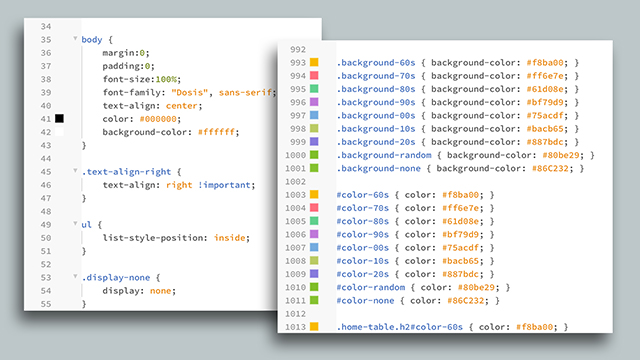
While I’m on the subject of saving time. I would recommend Phoenix Code, the text editor I use to write code. I know there are plenty of other options out there but I’ve saved so much time with the find and replace feature it’s unreal.
I’d thoroughly recommend getting to grips with CSS from the outset and the W3Schools CSS tutorials are a great place to start.